The Ultimate Guide to Setting Up a Smart Home Automation System from Scratch
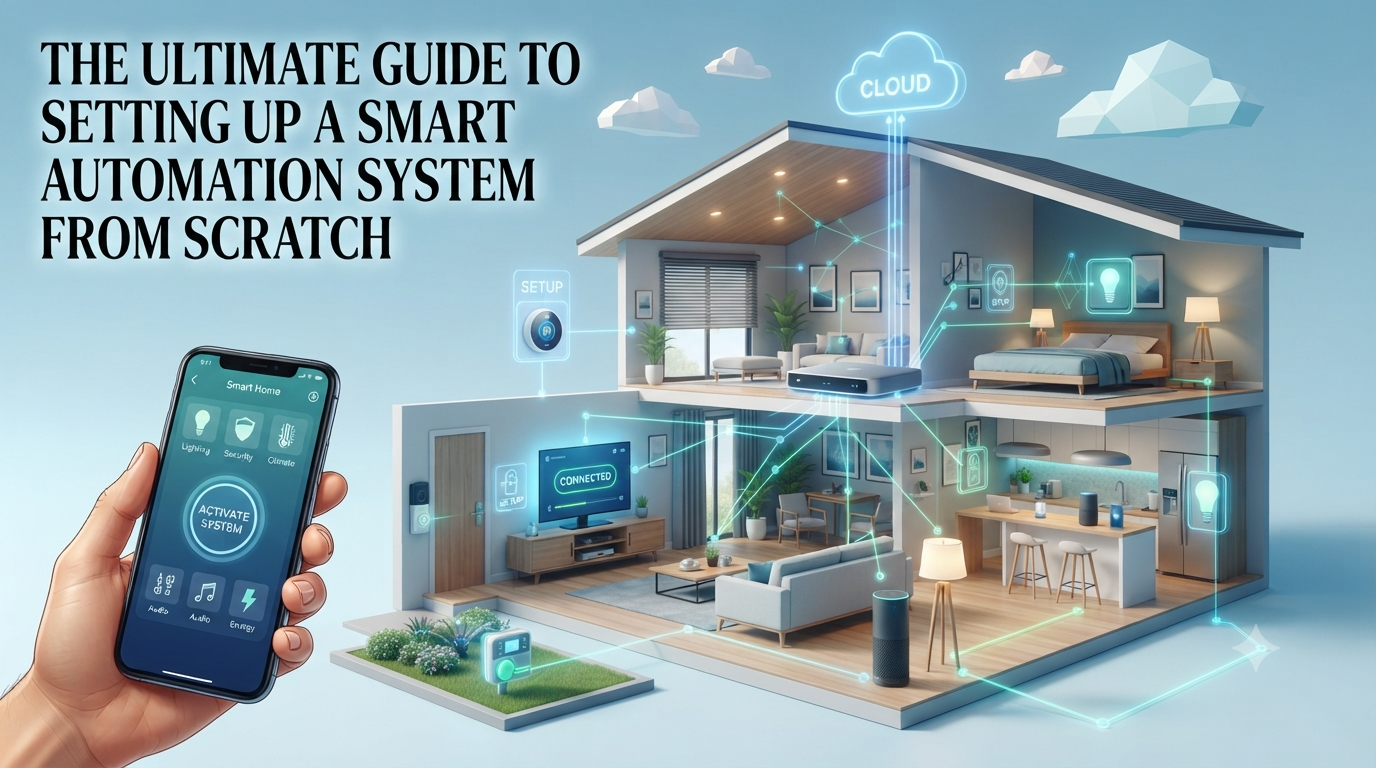
Setting up smart home automation involves planning your needs, choosing an ecosystem (like Google Home or Alexa), selecting compatible smart home devices, installing and configuring them, and then creating automated routines. This guide provides a step-by-step approach to building a secure and efficient smart home from scratch.
Welcome to the era where your home anticipates your needs, where lights dim as you settle in for a movie, and your coffee brews just as your alarm rings. At iTechMag.net, we believe the future of living is smart, intuitive, and seamlessly integrated into your daily life. This comprehensive smart home automation setup guide is designed to demystify the process, empowering you to build a personalized, intelligent living space.
Introduction: Welcome to Your Future Smart Home
What is Smart Home Automation?
Smart home automation refers to the automatic control of electronic devices in your home, often remotely, using a centralized smart hub or application. It involves connecting various smart home devices – such as lighting, thermostats, security cameras, and entertainment systems – into a cohesive network. These IoT devices communicate with each other, allowing you to manage them from anywhere, often with voice commands or predefined schedules.
Why Automate Your Home?
Automating your home offers a plethora of benefits that enhance convenience, efficiency, and peace of mind. Imagine saving energy by automatically adjusting your smart thermostat, boosting security with smart locks and surveillance, or simply enjoying the luxury of voice-controlled home features. Beyond comfort, a well-implemented home automation system can significantly improve energy efficiency, making your home more sustainable and potentially reducing utility bills. It’s about making your home work for you, simplifying daily tasks, and creating an environment that adapts to your lifestyle.
Getting Started: What You’ll Learn
This guide will take you on a journey from a complete novice to a confident smart home operator. We’ll cover everything from the initial planning stages and choosing the right smart home devices, to the step-by-step setup process, advanced automation techniques, and crucial security considerations. Our goal is to provide you with the knowledge and confidence to build a robust, reliable, and secure smart home network that truly transforms your living experience.
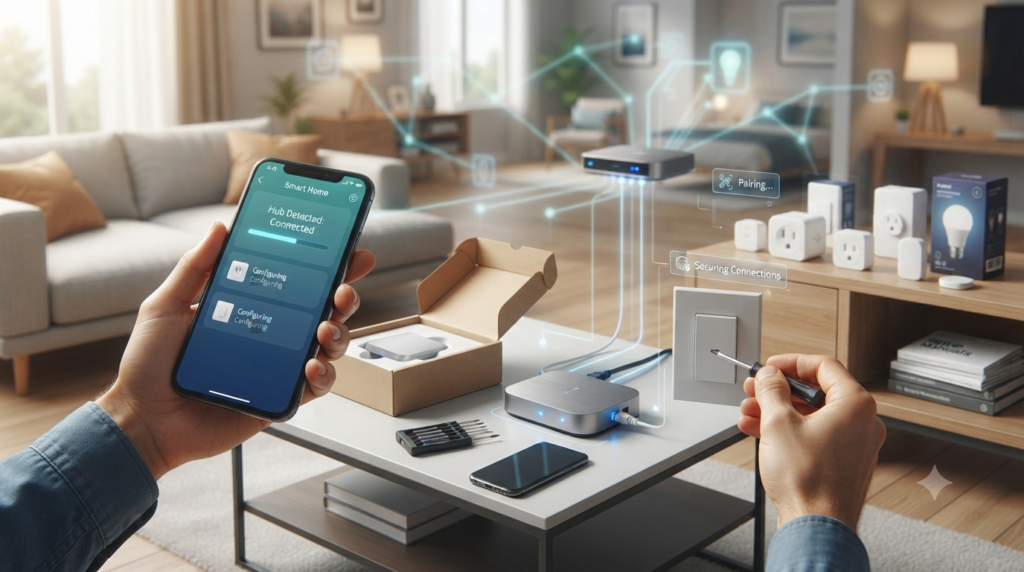
Planning Your Smart Home Ecosystem
The foundation of a successful smart home begins with meticulous planning. Rushing into purchases without a clear strategy can lead to compatibility issues and a disjointed user experience. This phase is crucial for ensuring your smart home automation system is tailored to your specific needs and seamlessly integrates all your desired functions.
Identifying Your Automation Needs and Goals
Before you buy any smart home devices, consider what aspects of your home life you want to automate. Do you want to enhance security, save energy, improve convenience, or perhaps all three? List out specific scenarios you envision. For example, you might want your lights to turn on when you arrive home, or your coffee maker to start brewing at 7 AM. Thinking about these daily routines will guide your device selection.
Consider the following areas for potential automation:
- Security: Smart locks, security cameras, door/window sensors.
- Lighting: Smart bulbs, light strips, dimmer switches.
- Climate Control: Smart thermostats, temperature sensors, smart fans.
- Entertainment: Smart TVs, sound systems, media streaming devices.
- Convenience: Smart plugs for appliances, voice assistants, automated blinds.
Choosing Your Smart Home Ecosystem (Google Home, Alexa, Apple HomeKit)
Your smart home ecosystem is the central platform that all your devices will communicate through. The three major players are Google Home (powered by Google Assistant), Amazon Alexa, and Apple HomeKit (powered by Siri). Each offers a unique user experience, device compatibility, and integration capabilities. Researching these platforms thoroughly is essential. For instance, if you’re an avid iPhone user, HomeKit might offer the most seamless experience, while Alexa boasts a vast array of compatible devices and strong third-party support. Google Home excels with its powerful search capabilities and deep integration with Google services.
Understanding Device Compatibility and Standards (Zigbee, Z-Wave, Wi-Fi)
Device compatibility is paramount. Not all smart home devices work with all ecosystems or communicate using the same protocols.
The main communication standards are:
- Wi-Fi: Ubiquitous and easy to set up, ideal for devices that require high bandwidth like smart security cameras. However, too many Wi-Fi devices can congest your network.
- Zigbee: A low-power, mesh network protocol often used for smart lighting setup and sensors. Requires a compatible smart hub.
- Z-Wave: Similar to Zigbee, it’s a low-power mesh network, but operates on a different radio frequency, reducing interference with Wi-Fi. Also requires a smart hub.
Many smart hubs support multiple standards, acting as a bridge between different types of IoT devices. Always check a device’s specifications to ensure it’s compatible with your chosen ecosystem and communication protocol.
Essential Smart Home Devices to Consider
Once you have a clear plan and have chosen your ecosystem, it’s time to select the smart home devices that will bring your vision to life. This section highlights some of the most popular and impactful categories of smart home technology.
Smart Lighting: Ambiance and Efficiency
Smart lighting is often the first foray into home automation for many, and for good reason. It offers incredible flexibility and energy savings. From simple smart bulbs that screw into existing fixtures to elaborate light strips that create dynamic backlighting, smart lighting setup allows you to control brightness, color, and even schedule lights to turn on and off automatically. Brands like Philips Hue, LIFX, and Sengled are popular choices. You can create scenes for different moods, such as ‘Movie Night’ or ‘Morning Wake-Up,’ all controlled through your smart assistant or app.
Climate Control: Thermostats and Sensors
A smart thermostat installation is a game-changer for energy efficiency and comfort. Devices like the Nest Learning Thermostat or Ecobee SmartThermostat learn your preferences and adjust temperatures automatically based on occupancy, weather, and your schedule. Paired with additional temperature and motion sensors, your system can ensure every room is comfortable while minimizing energy waste. Some smart thermostats integrate seamlessly with your smart home network, allowing for voice control of home climate adjustments or remote management from your phone.
Security & Surveillance: Cameras, Locks, and Alarms
Smart security is a primary driver for many home automation systems. A smart security camera, such as those from Arlo, Ring, or Eufy, provides real-time monitoring and alerts. Smart locks (August, Schlage) offer keyless entry, remote access, and visitor management. Integrated alarm systems can connect to motion sensors, door/window sensors, and even smoke detectors, providing comprehensive protection. These devices often work together; for example, a smart lock can trigger a camera recording when unlocked by an unknown code, or an alarm can notify emergency services directly.
Entertainment & Appliances: TVs, Speakers, and More
Beyond the essentials, smart home automation extends to entertainment and everyday appliances. Smart TVs (Samsung, LG), streaming devices (Apple TV, Roku), and smart speakers (Google Nest, Amazon Echo) can be integrated for a unified media experience. Imagine saying,